Clinical photography
Standardize your before-and-after photos
Guided capture tools ensure repeatable framing and alignment across providers and visits, so progress is clear and documentation stays consistent.
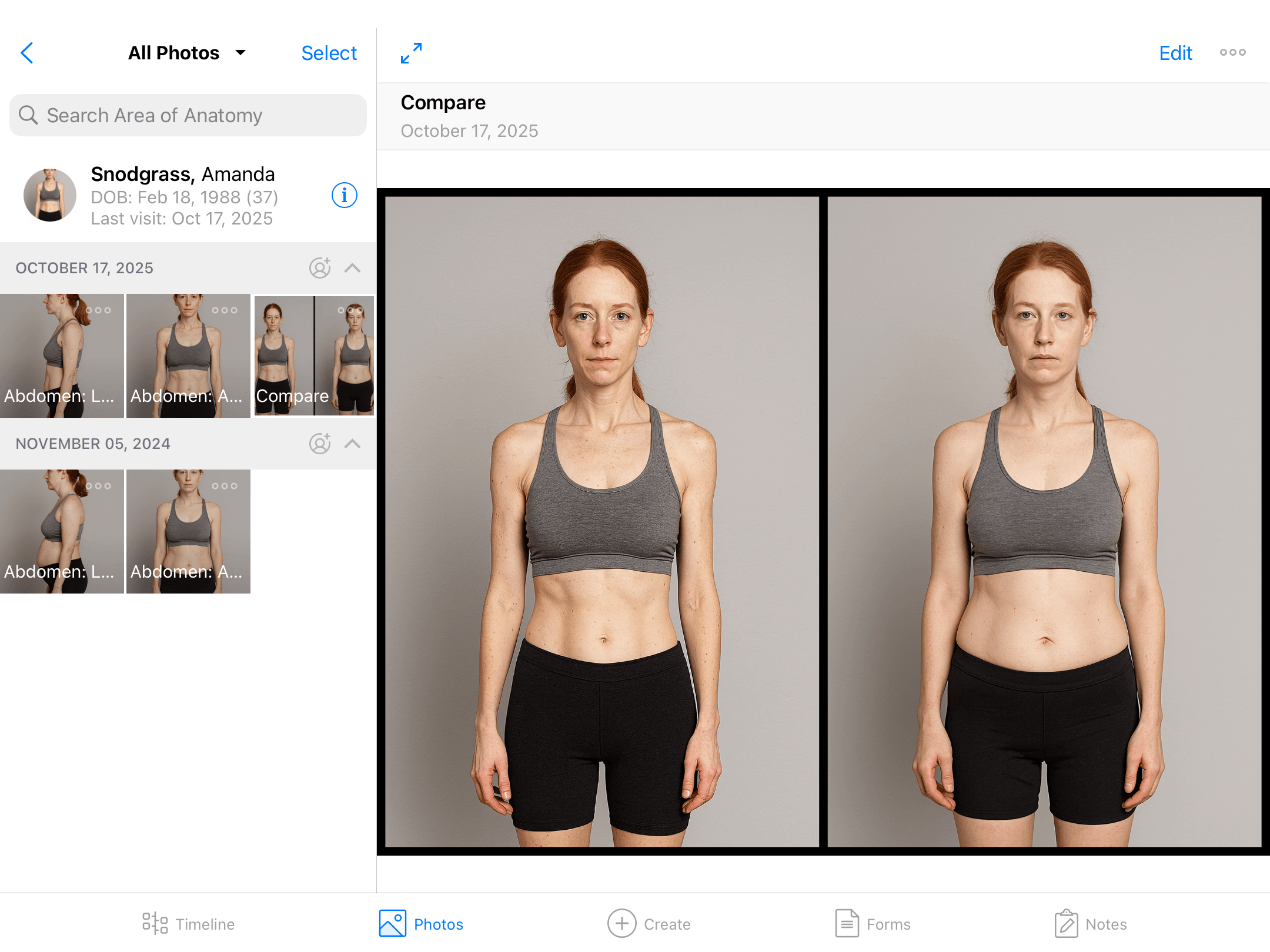
Clinical photography
Guided capture tools ensure repeatable framing and alignment across providers and visits, so progress is clear and documentation stays consistent.
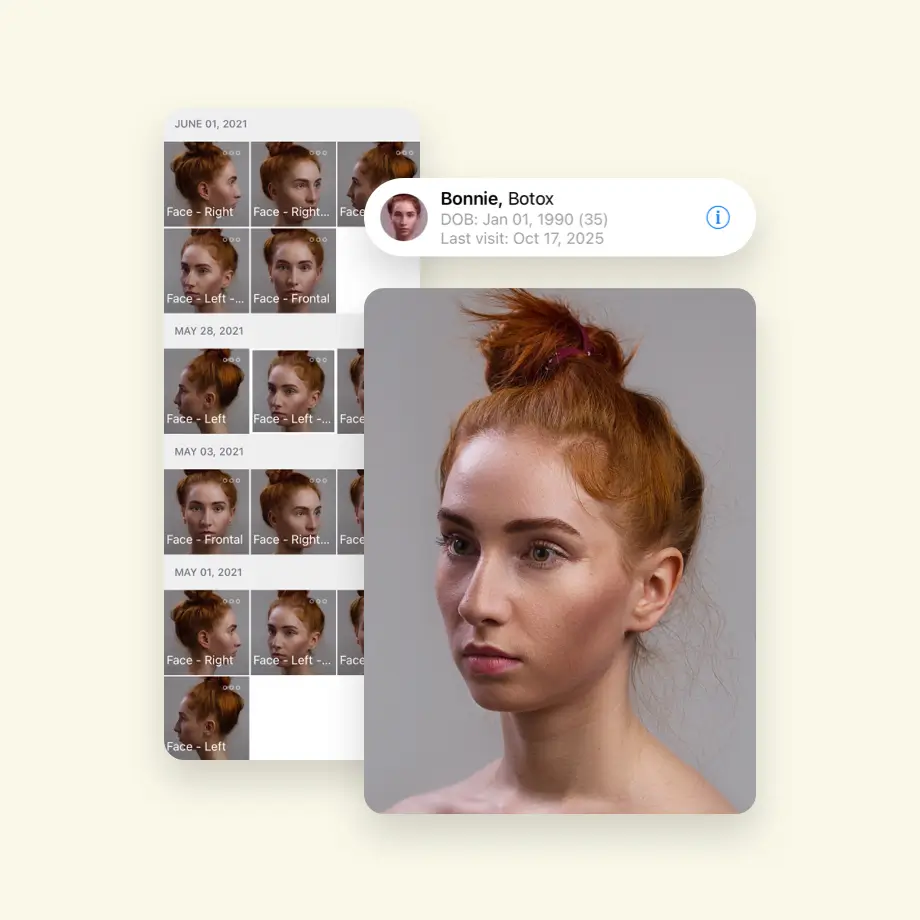
On-screen framing guides and procedure-based capture sequences ensure every provider matches angle, distance, and positioning across visits.

Overlay the original image on-screen while capturing the “after” photo so angle, position, and framing match precisely.
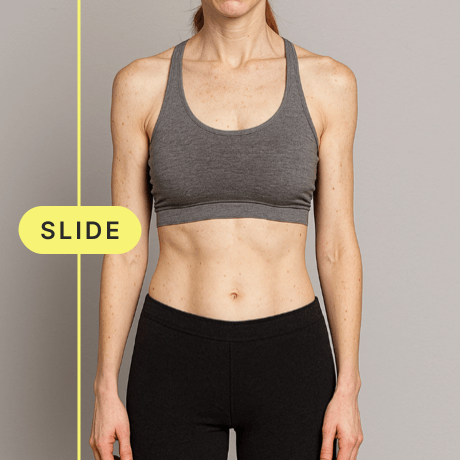
Generate side-by-side and slider views instantly to support clearer discussions and more confident patient decisions.
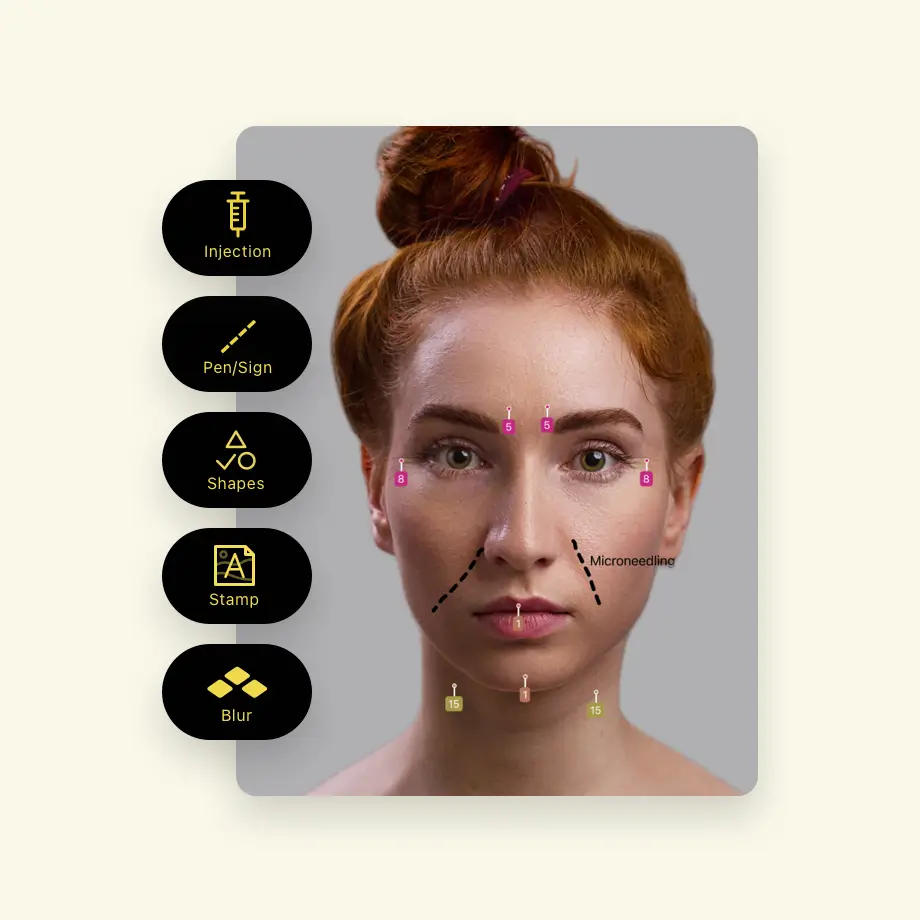
Document injection points, treatment areas, and notes directly on the image for stronger clinical records and follow-up clarity.
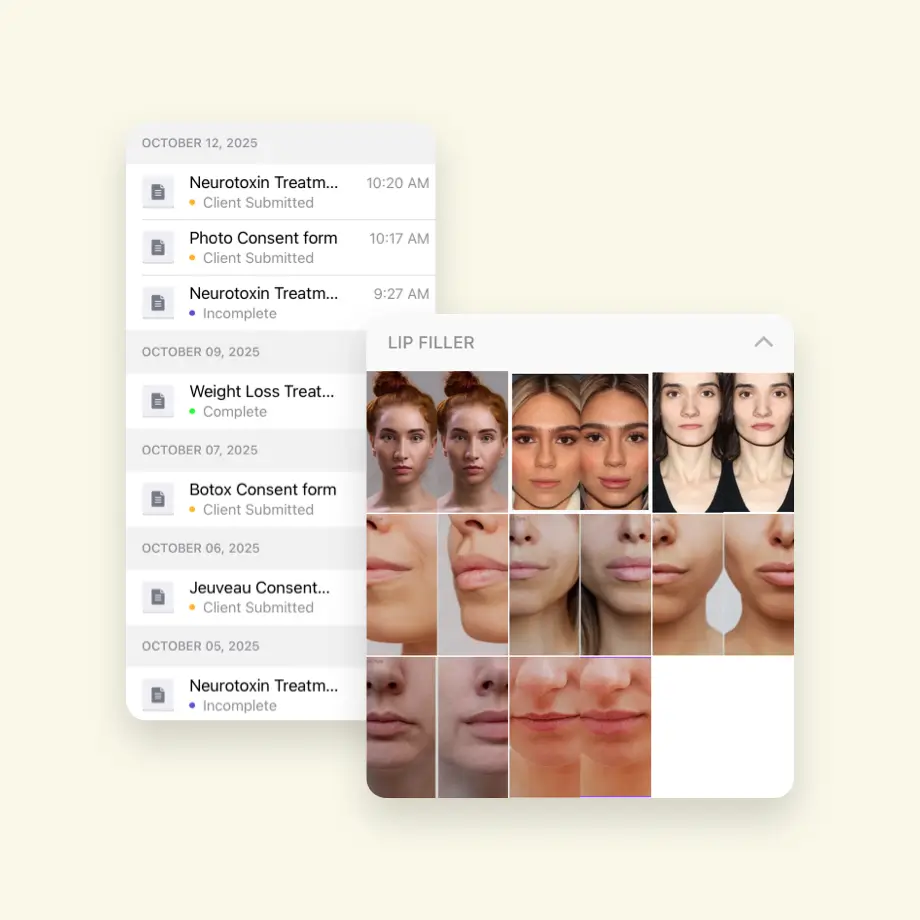
Stored securely in our HIPAA-compliant cloud, built to support high-volume image documentation across growing practices.

Standardize photo workflows across teams and locations without relying on memory, manual processes, or individual technique.


Get a personalized walkthrough of capture, documentation, and consultation tools built for your aesthetic practice.
Walk through how RxPhoto fits into your current workflow.
 Plastic surgeons
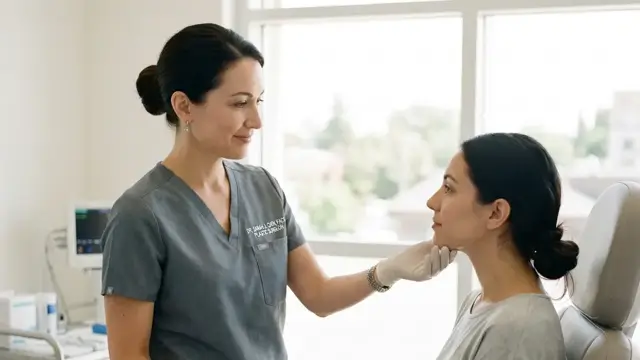 Dermatologists
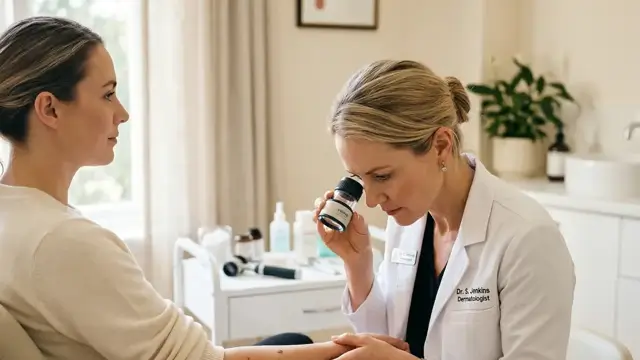 Medical aesthetic clinics & medspas
 Body contouring & weight loss clinics
 Dental practices offering injectables
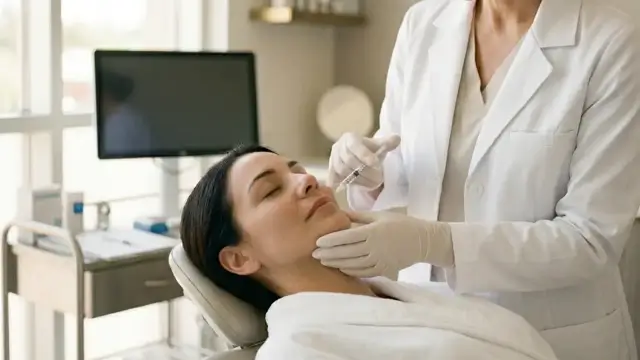 Clinical teams and coordinatorsPlastic surgeonsDermatologistsMedical aesthetic clinics & medspasBody contouring & weight loss clinicsDental practices offering injectablesBody contouring & weight loss clinicsMedical aesthetic clinics & medspasDermatologistsPlastic surgeonsClinical teams and coordinatorsDental practices offering injectablesBody contouring & weight loss clinicsMedical aesthetic clinics & medspasDermatologistsPlastic surgeonsClinical teams and coordinators
I like the photo ghosting feature where we have the ability to shadow the before photo to capture a perfect after photo.
Donna Potter
,
Southeastern Vein Specialists

We are able to really include the photo compartment with our patients and treatment rooms. We are able to ghost the images to get the exact before…
Dr. Aeron Sheffield
,
Ethos Medspa

RxPhoto has totally streamlined my process and enables my staff to capture high quality and consistent before and after photos at every patient…
Dr. Robert Goodman
,
Springfield, MA

When before-and-after photography is consistent, connected, and structured, the impact goes beyond documentation.

Standardized capture and instant comparisons eliminate time spent searching for images or recreating context. Providers move through consultations faster, with fewer interruptions and clearer conversations.
When patients clearly see progress in side-by-side views and structured timelines, uncertainty decreases. Visual clarity reinforces trust and supports more confident treatment decisions.
Consistent capture protocols and centralized image management reduce variability between providers and locations, making training easier and growth more manageable.

Assign access by role so team members see only what they need, protecting patient data and keeping workflows secure.

Designed specifically for patient images, with secure handling from capture through storage and sharing.

Set visibility rules, watermark images, and manage how and where results appear.

Maintain structured records and access logs that support internal policies and operational standards.

RxPhoto insights and updates, shared when there’s something worth knowing.