Staff workflows

Intake and consent

Compliance tools

Clinical photography tools built for the teams who run aesthetic practices

Streamline intake, documentation, and education so coordinators and clinical staff capture great photos without slowing down the day.

Get started

Trusted by thousands of practices that turn real results into revenue.

Tools that make clinical teams faster, more consistent, and always compliant

Any team member captures clinical photos

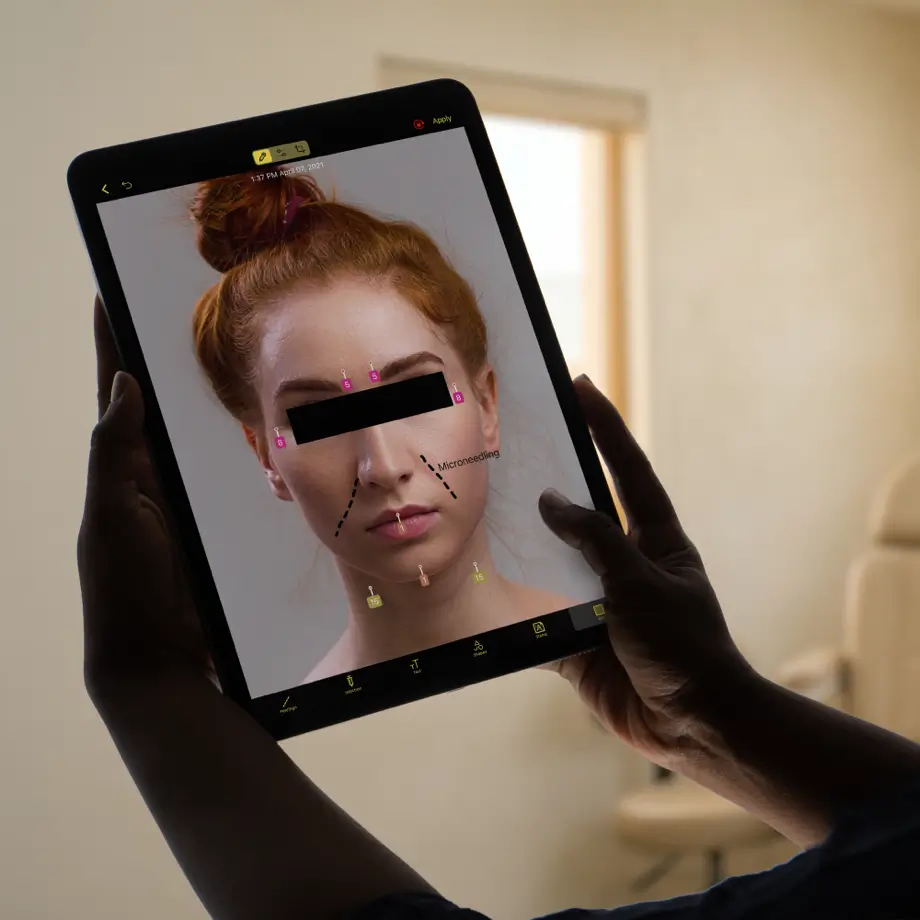
  • Step-by-step procedure sequences guide coordinators and clinical staff through every required angle — no photography training needed.
  • On-screen guides for framing, positioning, and distance mean photo quality is consistent regardless of which team member is capturing.
  • In a clinical study of a multi-location aesthetics organization, staff saved an average of seven minutes per patient compared to prior workflows.

Intake, consent, and documentation in one place

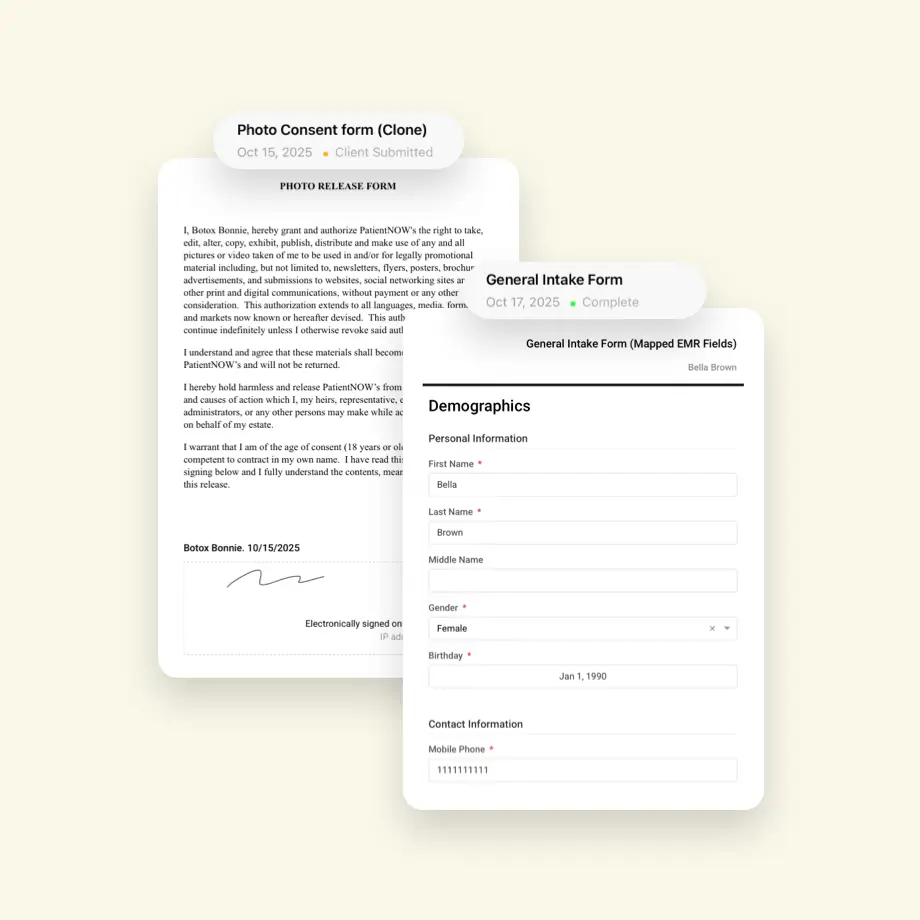
  • Digital consent forms can be completed on-device at intake, with patient signatures automatically linked to their photo record.
  • Photos, consent, treatment notes, and session history are organized in a single patient file — no manual upload, labeling, or cross-referencing required.
  • Auto-sync pushes photos directly to HIPAA-compliant cloud storage the moment they're captured, eliminating the end-of-day upload bottleneck.

Education tools that help coordinators sell

  • Consultation galleries give coordinators visual tools to walk patients through expected outcomes for their specific treatment.
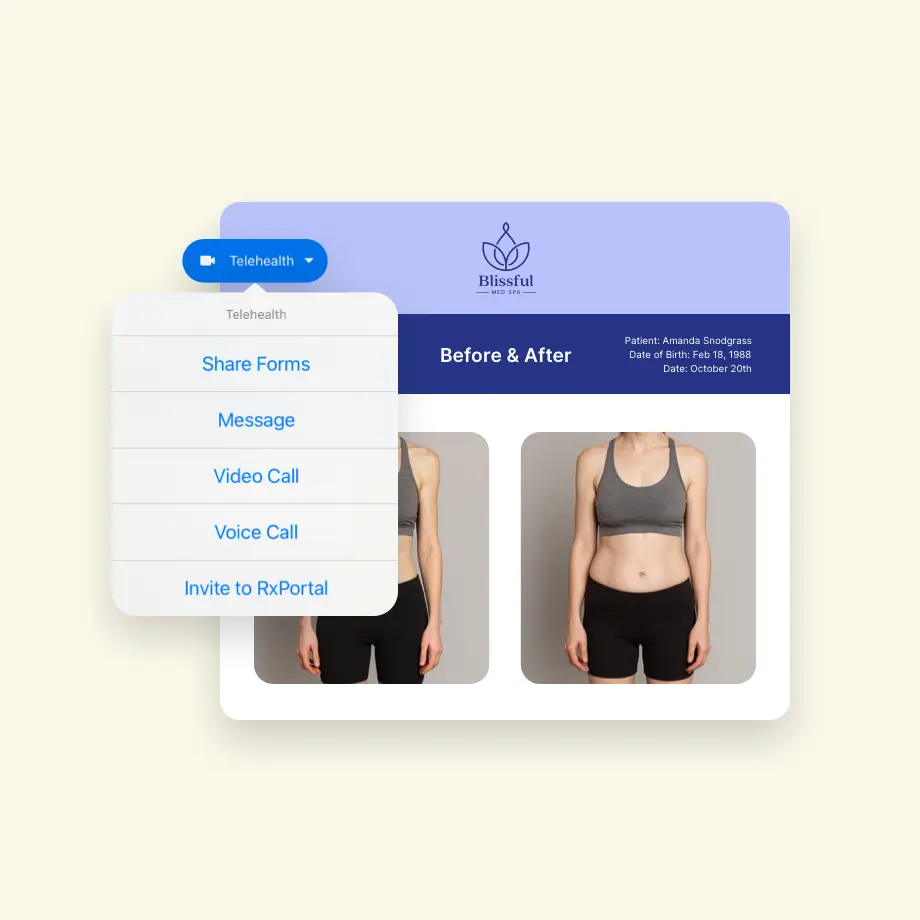
  • Before-and-after sliders and series views let clinical teams demonstrate progress during follow-up visits, reinforcing patient satisfaction and retention.
  • Educational presentation tools combine outcome imagery and manufacturer resources to help coordinators confidently upsell additional treatments.

What RxPhoto looks like for clinical teams day to day

Replace manual uploads and disconnected consent forms with one workflow every team member can follow.

Photos vary by provider, angle, and lighting

Images scattered across phones and personal devices

No consistent workflow for before-and-after capture

Before-and-after comparisons are weak or unconvincing

Patient records, photos, and consent forms live in separate places

Every photo follows the same guided capture protocol

All images stored in one HIPAA-compliant cloud system

Procedure-specific sequences standardize capture for any treatment

Ghosting overlays make before-and-after comparisons precise and credible

Photos, consent forms, and clinical notes link together in one patient record

Clinical teams using RxPhoto across multi-provider practices

See Growth Stories

Give your clinical team better tools

Streamlined intake, consistent photography, and built-in compliance — for the teams that keep practices running.

Walk through how RxPhoto fits into your current workflow.

Get started

FAQs for clinical teams using RxPhoto

Still have questions?

See all FAQs
How does RxPhoto keep before-and-after photos consistent?
Does RxPhoto work with smartphones or require professional camera equipment?
How quickly can our team get started?
What support options are available if we need help?
How does RxPhoto handle consent for marketing use of images?
Can we customize forms to match our workflow and branding?