Clinical photography

Medical Photography Annotation Tools for Aesthetic Practices

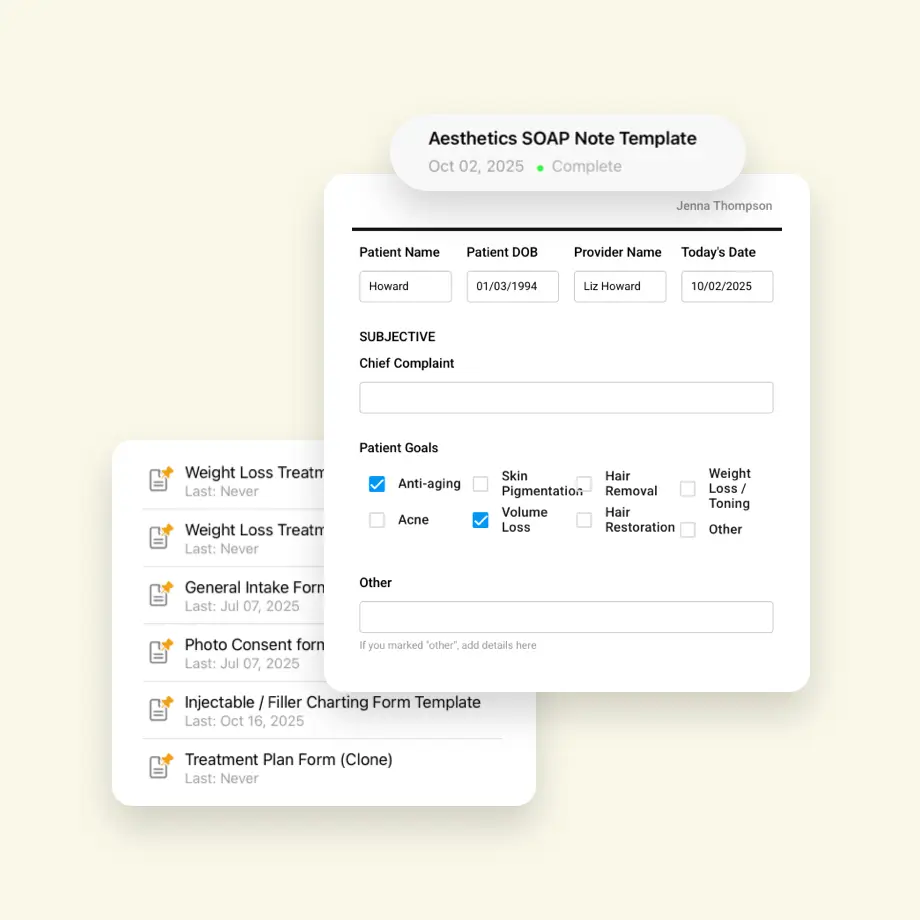
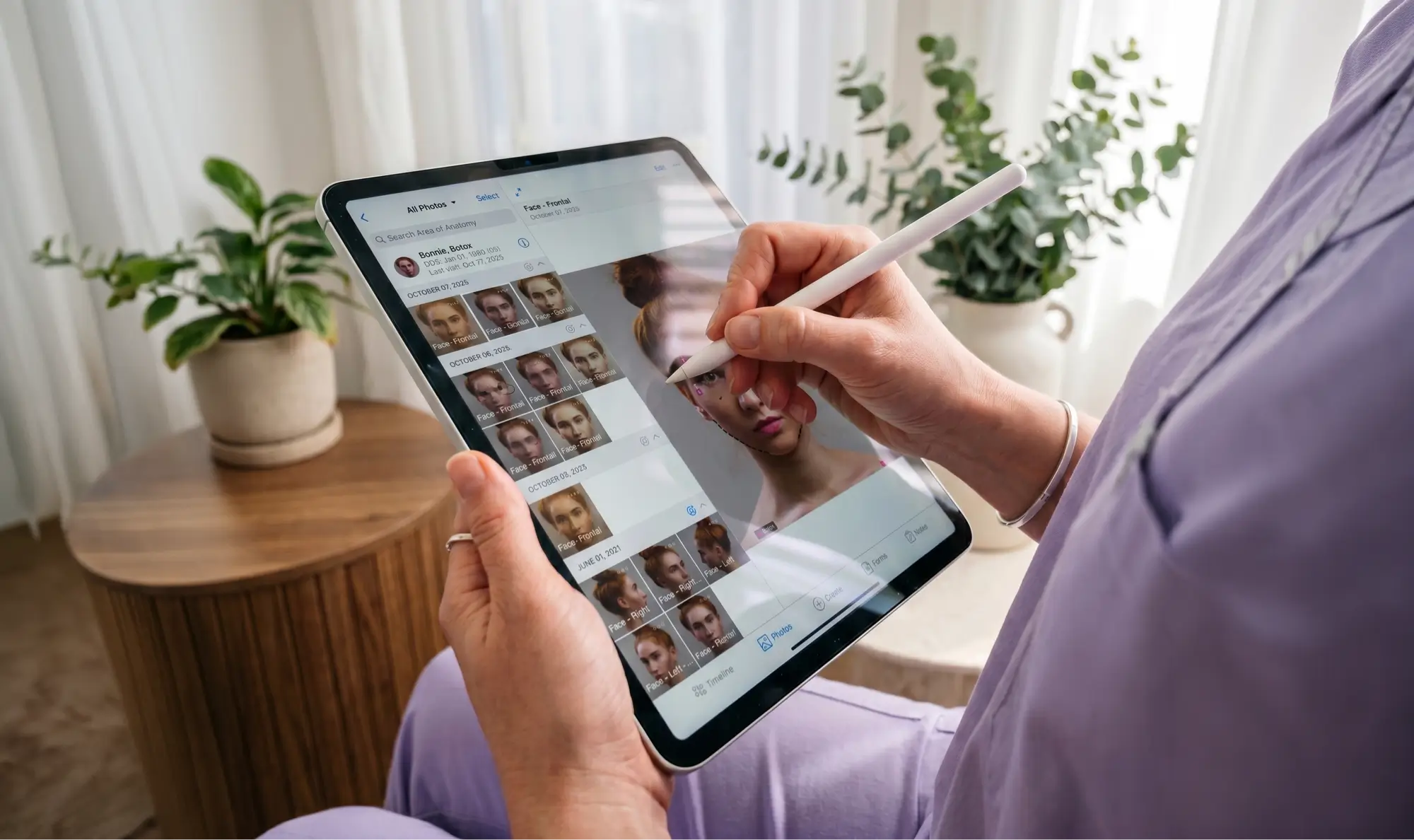
RxPhoto gives your team powerful annotation tools to mark treatment zones, document surgical plans, and track progress directly on patient images. You can communicate clearly during consultations, align your clinical team, and create visual documentation that's accurate, compliant, and ready to use.

Get started
166,583+

App Store Downloads by Medical Professionals

5,397,444+

Secure Forms Created Across Patient Workflows

4,385,441+

Patients Documented with RxPhoto

The Problem with "Good Enough" Annotations

Verbal Explanations Get Lost in Translation

Without visual markups, treatment plans rely on memory and notes, leading to miscommunication between providers, staff, and patients.

Generic Tools Aren’t Built for Clinical Use

Consumer photo editors lack the precision, compliance, and workflow integration that aesthetic documentation demands, creating workarounds and risk.

Progress Tracking Becomes Guesswork

Without consistent annotation across visits, tracking treatment outcomes over time is unreliable, making it harder to demonstrate results.

Scattered Documentation Slows Everything Down

When annotations exist in separate apps, folders, or paper files, consultations stall and critical details get lost.

Clinical Annotation for Every Practice Type

RxPhoto lets your entire team capture, annotate, and track patient photos with ease. From precise surgical plans to clear treatment zones, everyone stays aligned, progress is visible, and documentation is fully HIPAA-compliant.

Get started

Mark Treatment Zones with Precision

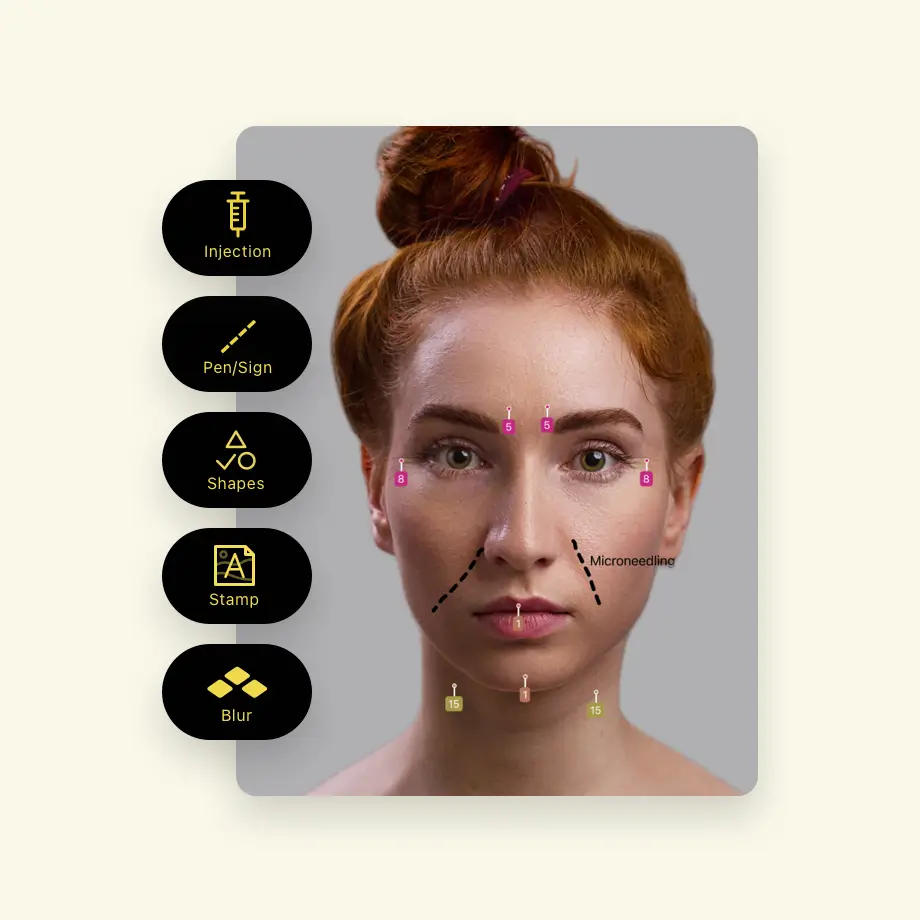
Draw directly on patient images to outline treatment areas, injection sites, or surgical plans, ensuring clarity for your team and patients.

Track Progress Across Every Visit

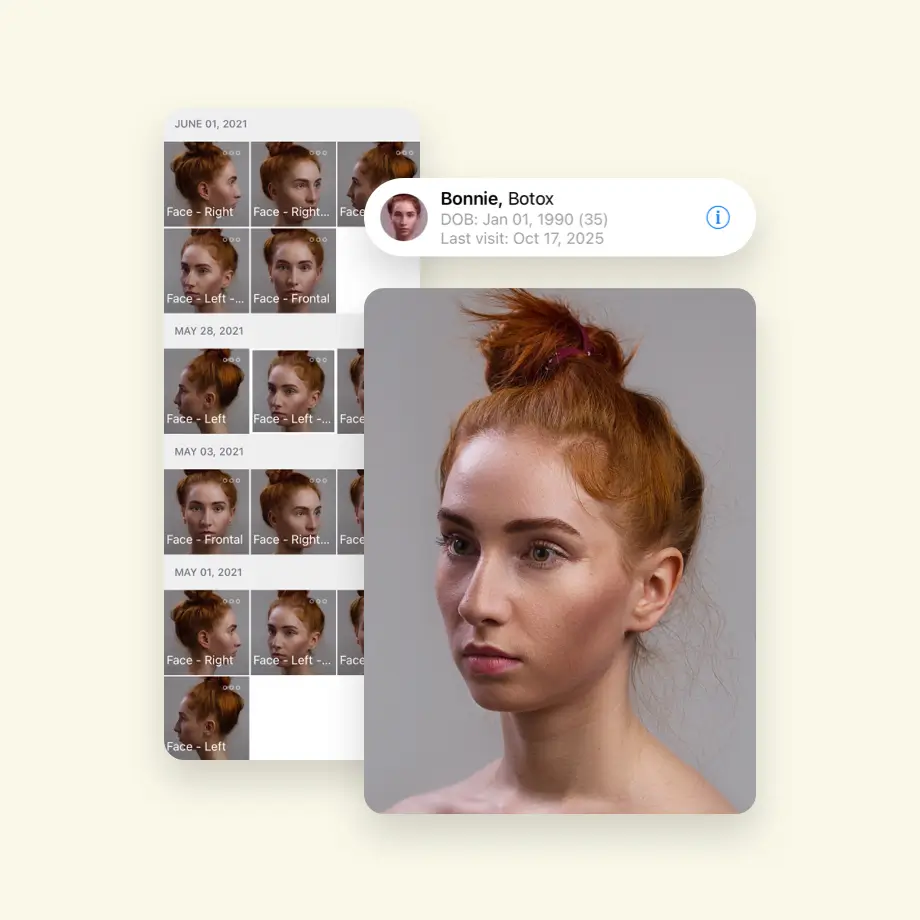
Layer annotations over time to visualize healing, improvement, or treatment response. Make outcomes easy to see and share.

Align Your Entire Team Visually

Replace verbal handoffs with annotated images that keep providers, staff, and patients on the same page every time.

Stay Compliant Without Extra Steps

All annotations are saved within RxPhoto's HIPAA-compliant system, linked to patient records, and ready for documentation or consultation.

Communicate Visually. Document Confidently.

Precise annotations align your team, simplify consultations, and create documentation you can trust.

Get started

From Capture to Annotation in Three Steps

step 1

Capture or Import Your Image

Take a new photo with RxPhoto's guided capture or import an existing image from the patient's record.

step 2

Mark and Annotate

Use drawing tools to outline treatment zones, mark injection points, or document surgical plans directly on the image.

step 3

Save, Share, and Reference

Annotations save automatically to the patient record, ready for consultations, team handoffs, or compliance documentation.

“With RxPhoto, managing patient photos is no longer a time-consuming chore. There is no need to upload and label photos, as the software does it for my staff automatically.”

Dr. Omar Fouda Neel, Montreal QB

The Tools Behind Better Visual Documentation

Freehand Drawing & Shape Tools

Draw lines, circles, arrows, and custom shapes directly on images to highlight treatment areas with precision and clarity.

Injection Point Mapping

Mark exact injection sites with unit counts and product types, creating clear treatment records for your team and patients.

Photo Editor

Apply watermarks, anonymize faces, and remove backgrounds for safe and HIPAA-compliant sharing.

Multi-Layer Annotation History

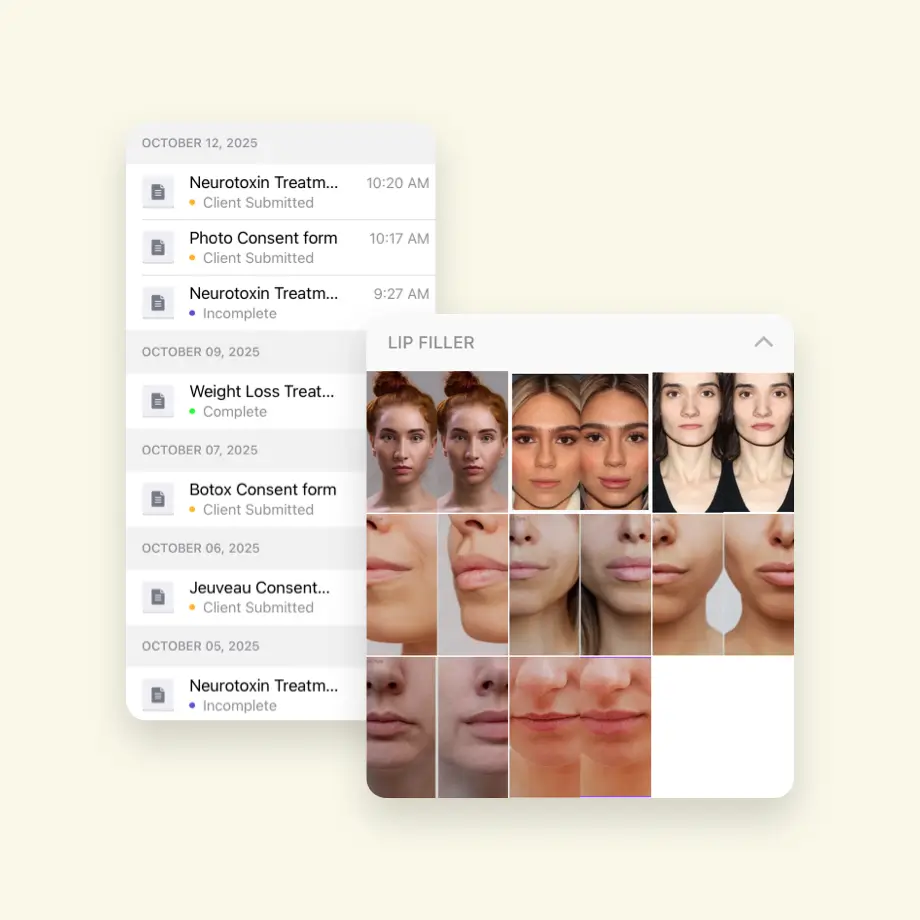
View and compare annotations across visits to track progress with slider, side-by-side, or morphing tools.

Ready to Annotate with Precision?

Mark treatment areas, track progress, and share HIPAA-compliant visuals with RxPhoto. Try it today!

Walk through how RxPhoto fits into your current workflow.

Get started

FAQs for Plastic Surgery Practices Considering RxPhoto

Still have questions?

See all FAQs
What types of annotations can I add to images?
Do annotations save automatically?
Can I compare annotations across multiple visits?
Do I need design or technical skills to use the tools?
Is annotated patient data secure and compliant?
Can I use annotations during patient consultations?