AI Scribe note-taking

Spend less time charting. Stay present with patients.

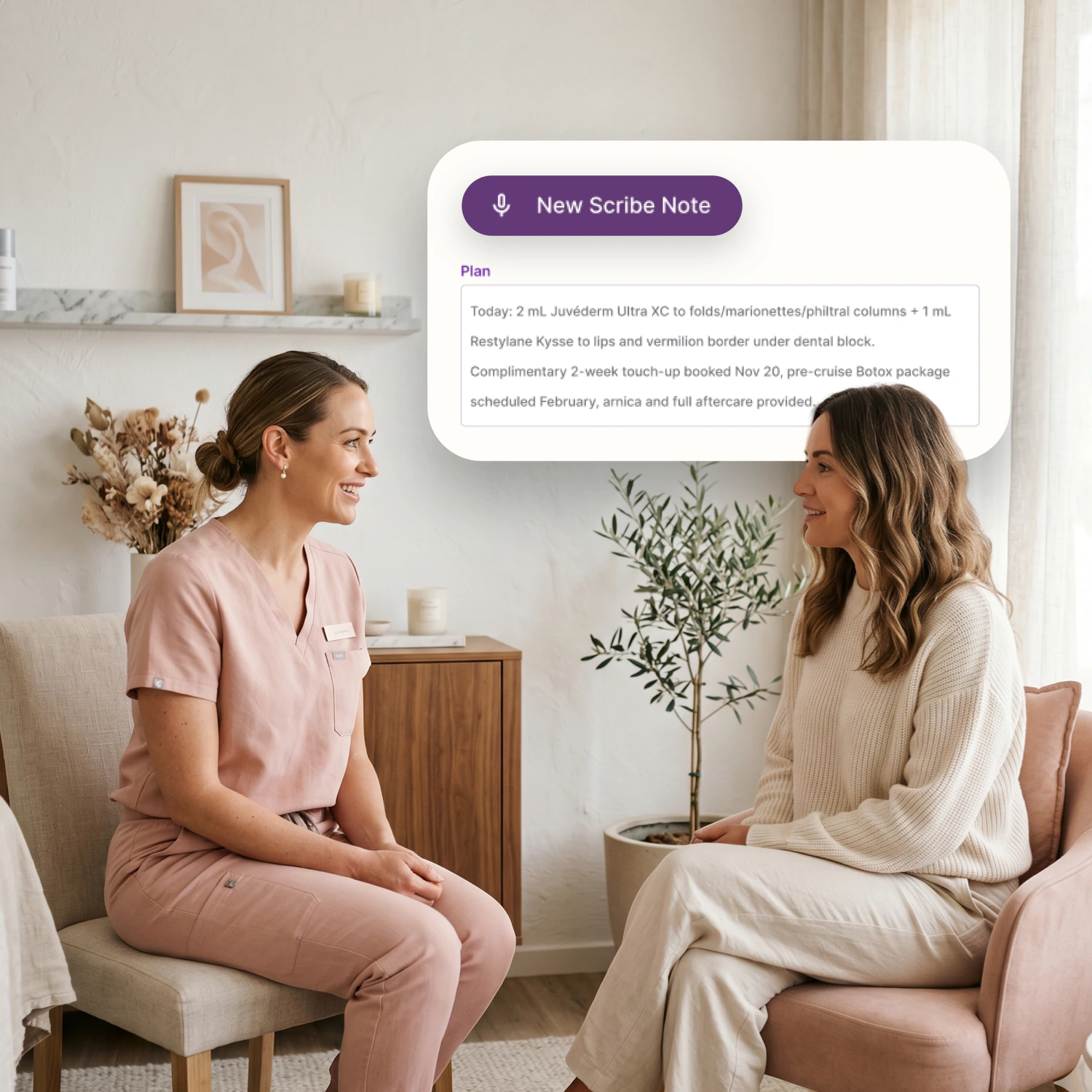
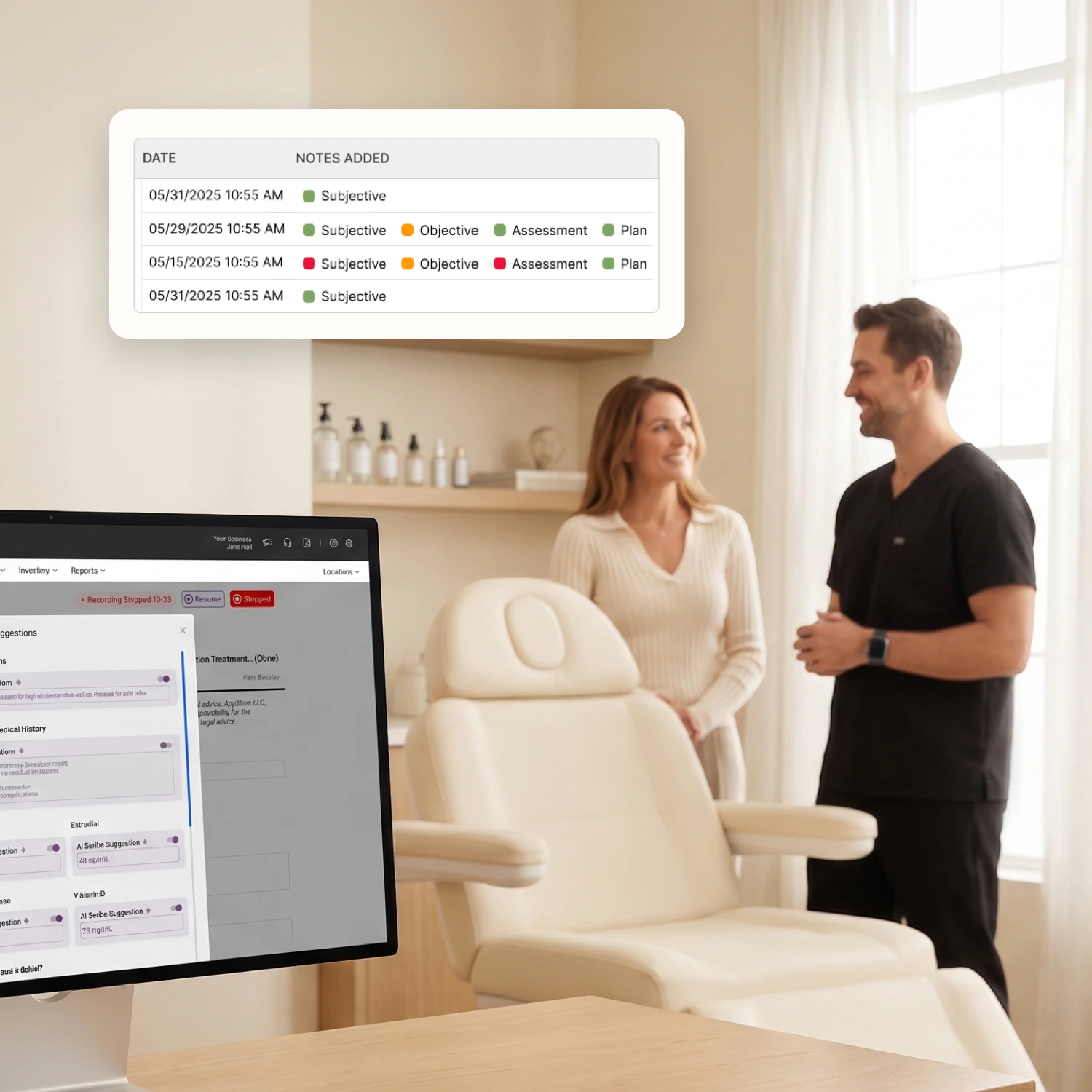
While you focus on the patient, AI Scribe listens and drafts note suggestions directly in RxPhoto forms. Review, edit and certify each draft before applying it to the chart.
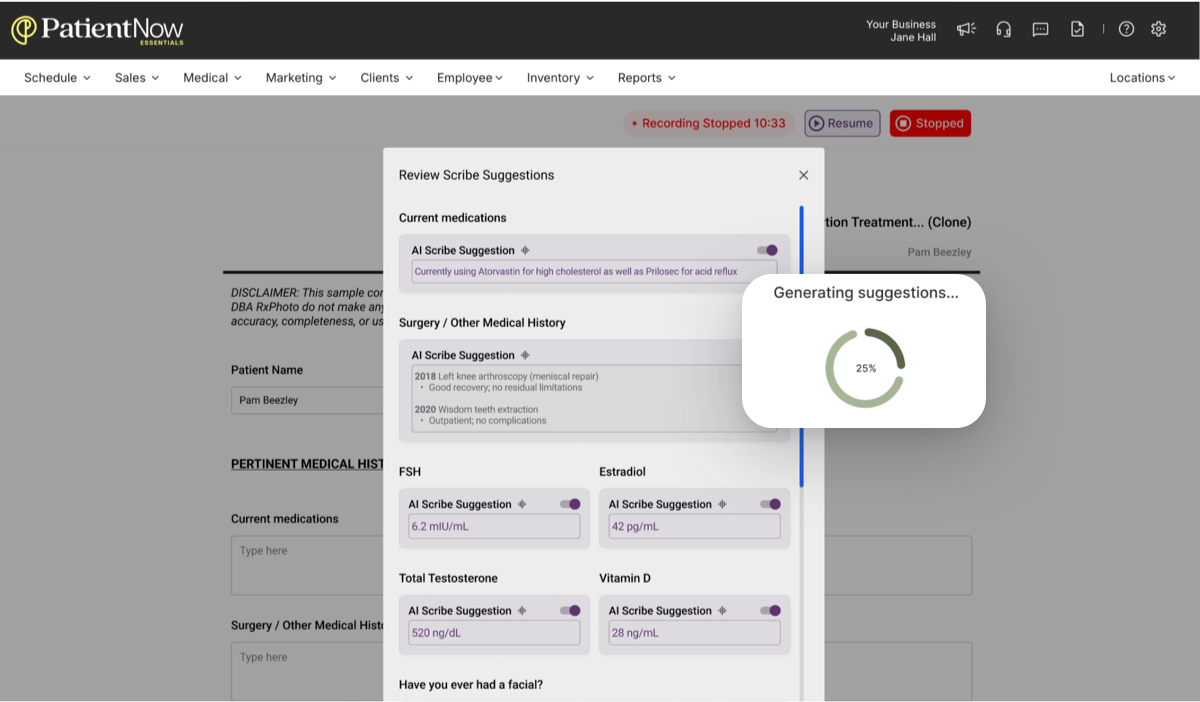
AI Scribe drafting note suggestions in an RxPhoto form (placeholder image)
Trusted by practices that want more time with patients

AI Scribe

Stay focused on the patient.

AI listens while you talk with patients

AI Scribe captures the consultation as it happens, so you can keep your eyes on the patient instead of the screen.

Drafts note suggestions as the visit unfolds

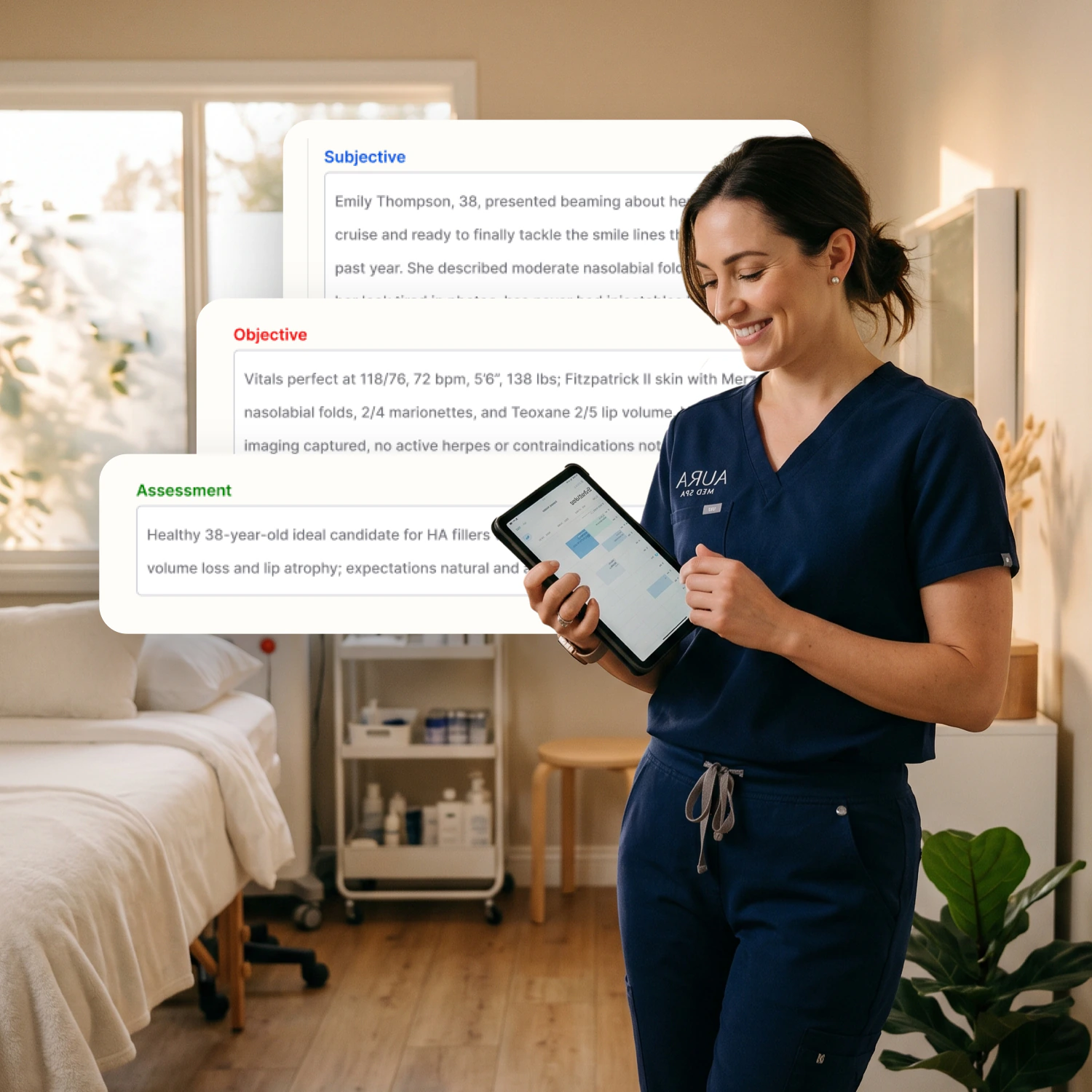
Suggestions take shape as a structured note draft in the RxPhoto form you select, so the note is mostly written before the patient leaves the room.

Spend less time typing during the appointment

It removes the typing, not the clinical judgment. PatientNow estimates AI Scribe saves up to 25% of documentation time.

RxPhoto forms with AI Scribe note suggestions (placeholder image)

AI Scribe

Spend less time catching up after visits.

Structured clinical notes in RxPhoto

Turn visit conversations into structured note suggestions

Instead of rebuilding the visit from memory, you start from a draft that already covers what was discussed, organized the way your notes are.

Draft directly into selected RxPhoto forms

Drafts land in the forms you already use, so they stay on the patient timeline alongside photos, consents and earlier visits.

Leave less charting for after hours

Each note is close to finished when the appointment ends, so documentation stops following you home.

AI Scribe

Stay in control of every note.

Review and edit each suggestion

Every suggestion stays a draft until you say otherwise. Change the wording, remove what doesn't belong, and add anything the conversation missed.

Certify notes before applying them

Nothing reaches the chart until you certify it, so the record always reflects your clinical judgment, not the AI's first pass.

Start, pause, and manage sessions on web or mobile

Run a session from the RxPhoto app or your browser, whichever is in your hand when the visit begins, and pause it whenever you need to.

Reviewing AI Scribe suggestions before applying them to the chart

See how AI Scribe can transform your workflow

See how RxPhoto turns visit conversations into draft note suggestions in your forms, so you can spend less time typing and stay focused on patients.

Walk through how RxPhoto fits into your current workflow.

Get started

Trusted by practices like yours

See growth stories

Wondering how it works?

Still have questions?

Get started
Does RxPhoto include digital intake and consent forms?
Does RxPhoto support patient records beyond photos?
Can we customize forms to match our workflow and branding?
Is RxPhoto HIPAA-compliant?
Can RxPhoto integrate with our EMR or practice management system?
What is RxPhoto?